
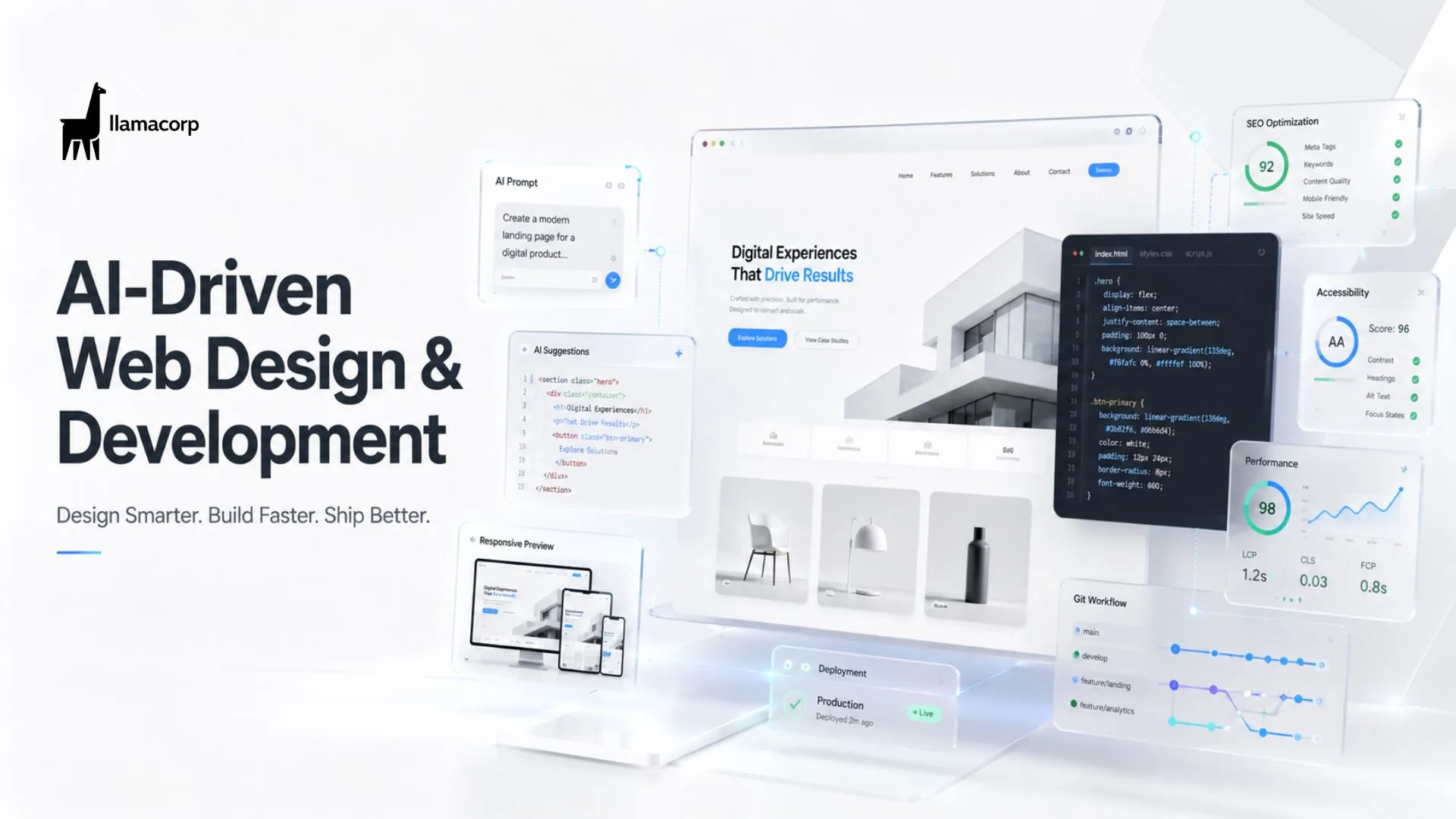
Search "AI-driven web design and development" and you'll get course ads, GitHub repos, salary calculators, and certification pages, all pointing in different directions. That scatter tells you something: this is still a young enough field that there's no single agreed definition, and most people searching for it are trying to figure out one of two things. Either "how do I actually learn this and is it worth it," or "what does this look like in practice, on a real project."
This covers both, using what we actually do at Llamacorp building AI-assisted sites day to day, not just theory.
What AI-driven web design and development actually means
At its core, it's using AI tools at each stage of building a website, not just writing code. That includes generating design directions and layout variations, writing and refactoring code, drafting content and copy, testing for accessibility and performance issues, and increasingly, personalizing what a visitor sees based on their behavior.
It's not one tool. It's a workflow where AI handles the repetitive, pattern-based parts of design and development, while a human handles judgment calls: what the client actually needs, what looks right for the brand, what's secure, and what will still make sense in a year.
The distinction matters because a lot of what gets marketed as "AI web design" is really just a website builder with an AI-generated first draft. Real AI-driven development goes further, into the actual codebase, the actual design system, and the actual decisions about how a site is structured.
Real examples of AI-driven web design and development
Rather than abstract examples, here's what this looks like in an actual build process.
Design and layout generation. Instead of starting from a blank Figma file, a designer can generate several layout directions from a brief, then pick the strongest elements from each and refine by hand. This doesn't replace design judgment, it replaces the blank page problem and speeds up early exploration.
Code generation with human review. A developer describes a component, an AI tool generates a working first version, and the developer reviews it for correctness, security, and how well it fits the existing codebase before it ships. This is the most common real-world use case, and it's meaningfully faster than writing every line by hand, without skipping the review step that catches bugs and security gaps.
Content and copy drafting. AI tools draft first-pass copy for a page, which a human then edits for accuracy, tone, and anything specific to the business that the AI wouldn't know. This is fast for structure and slow-going if you skip the edit, since AI copy tends to sound generic without a real editing pass.
Automated testing and accessibility checks. AI-powered tools can scan a site for accessibility issues, broken links, and performance bottlenecks far faster than manual testing, flagging problems for a developer to fix.
On-site personalization. More advanced setups use AI to adjust what content or product recommendations a visitor sees based on their behavior on the site, similar to how large e-commerce platforms personalize a homepage.
How to learn AI-driven web design and development
If you're trying to learn this, the search results are noisy because "AI-driven web development" spans a wide range of skill levels and tools. Here's how to actually approach it.
Start with fundamentals, not AI tools. This surprises people, but understanding HTML, CSS, JavaScript, and basic backend concepts first is what lets you actually evaluate whether AI-generated code is correct. Skipping straight to AI tools without fundamentals means you can't tell when the AI is wrong, which is often.
Free ways to learn AI-assisted web development. GitHub is genuinely one of the best free resources here. Searching for AI-driven web design and development repositories on GitHub surfaces real, working projects you can read, fork, and modify, which teaches you far more than a tutorial alone. Pair that with free documentation from tools like GitHub Copilot, Claude, and Cursor, which all publish guides on using their tools inside a real development workflow.
Courses and certification. Formal courses and certifications exist, but treat them as supplementary, not a starting point. A certificate in "AI-driven web development" carries less weight to an employer than a portfolio of real projects where you can explain what the AI generated, what you changed, and why. If you do want structured learning, look for courses that require you to build and ship an actual project, not just watch videos.
Build something real. The fastest way to actually learn this is picking a small real project, like a portfolio site or a tool you personally want, and building it using AI tools for the parts they're good at while writing and reviewing the rest yourself. That project also becomes the proof of skill that matters most when job hunting.
What this means for salaries and job prospects
AI web developer salaries vary widely by region, experience, and whether the role is more design-focused, development-focused, or full-stack. What's consistent across markets is that developers who can effectively direct and review AI-generated code, not just prompt it, command higher pay than those who either avoid AI tools entirely or rely on them without reviewing the output.
The most in-demand profile right now isn't "AI expert." It's a solid web developer who's fluent with AI tools as part of their normal workflow, the same way solid developers today are simply expected to be fluent with version control and modern frameworks.
Frequently asked questions
Is there a free way to learn AI-driven web development? Yes. GitHub repositories, official documentation from AI coding tools, and free tiers of tools like GitHub Copilot and Claude are enough to start building real projects without paying for a course.
Do I need a certification in AI-driven web design and development? Not strictly. A certification can help you learn structured fundamentals, but employers and clients weigh a working portfolio far more heavily than a certificate alone.
What's a good beginner project to practice AI-driven web development? A personal portfolio site or a small tool solving a real problem you have works well, since it forces you to make actual design and architecture decisions rather than following a tutorial exactly.
Will learning AI-driven web development make me obsolete-proof? No single skill guarantees that, but developers who understand both fundamentals and how to effectively direct AI tools are consistently more resilient than those who rely on either alone.
If you're a business trying to figure out what AI-driven web design and development actually looks like on a real project rather than in a course description, that's exactly the kind of work we do at Llamacorp. Happy to walk you through it.
Here you can also read a article on the Borivali web development condition
 Start a project