
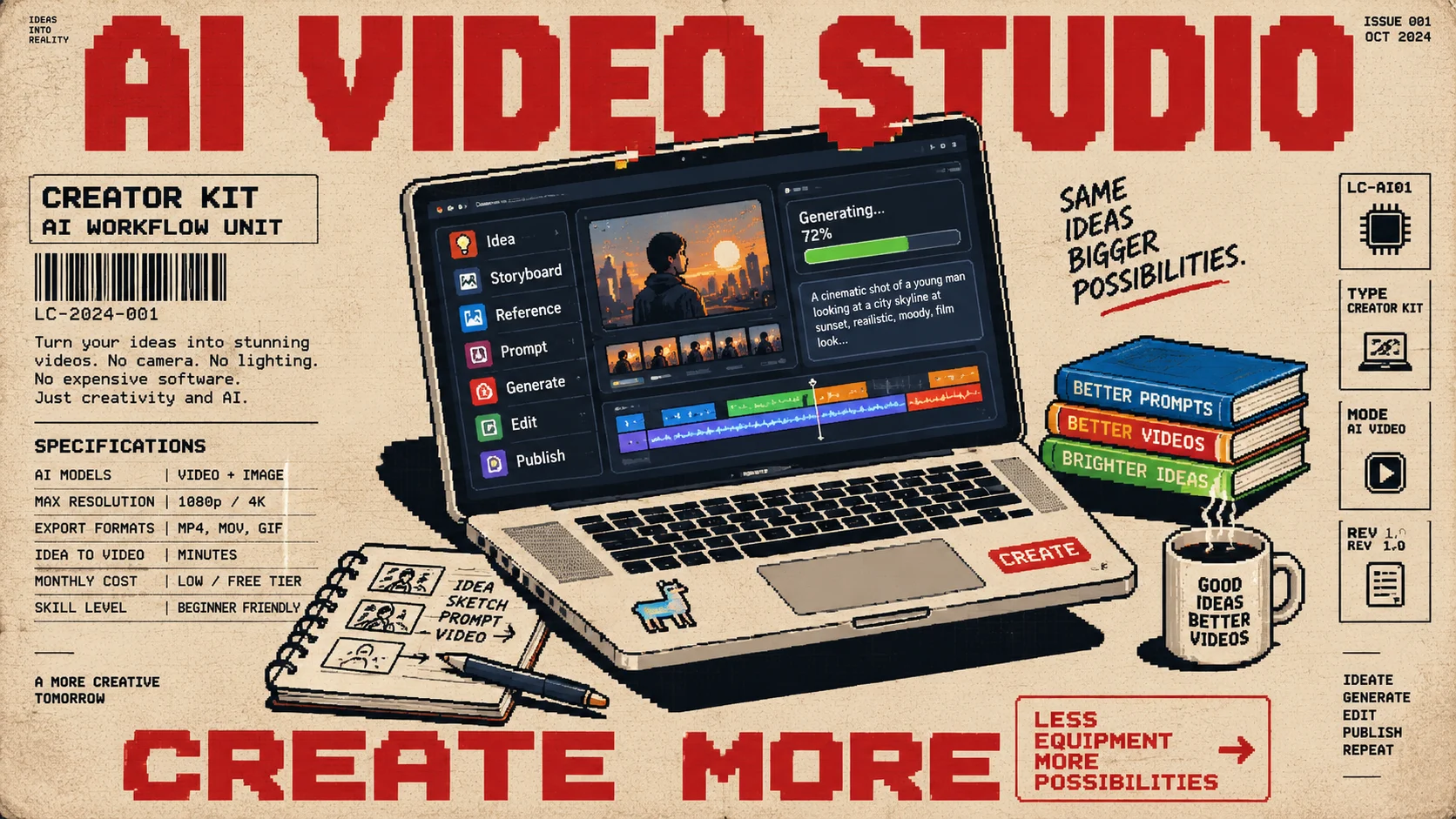
A lot of people assume making decent video content requires a camera setup, lighting, editing software, maybe even a small crew. I run Llamacorp, and honestly, most of the AI video work I do now costs me nothing beyond a subscription I already had. Here's exactly how I do it, including where it still struggles.
How I got into this
Honestly, it started from pure curiosity. I kept seeing creators making AI generated UGC style videos and wanted to understand how they were actually pulling it off. That curiosity turned into an actual workflow I now use for real client work.
My actual workflow
Before touching any tool, I clarify exactly what the end output needs to be and sketch out a rough story or storyboard. From there, I generate reference images using tools like ChatGPT's image generation or Nano Banana to build that storyboard out visually. Once I have the assets and a clear picture of what the video should include, I write a detailed prompt and generate the actual video using Google Flow, which runs on the Veo 3 and Omni models.
What it actually costs
This is the part people find hard to believe. I'm not spending extra money on this at all. I have a Google Gemini Pro subscription through a promotional offer, which gives one thousand credits a month. Making one to three finished videos typically uses around eight hundred to nine hundred of those credits, leaving a comfortable buffer every month. Compare that to a traditional setup, camera gear, lighting, a shoot day, an editor, and the cost difference is enormous. I edit everything myself, so there's no additional editing cost either.
Case study: testing a product before it existed
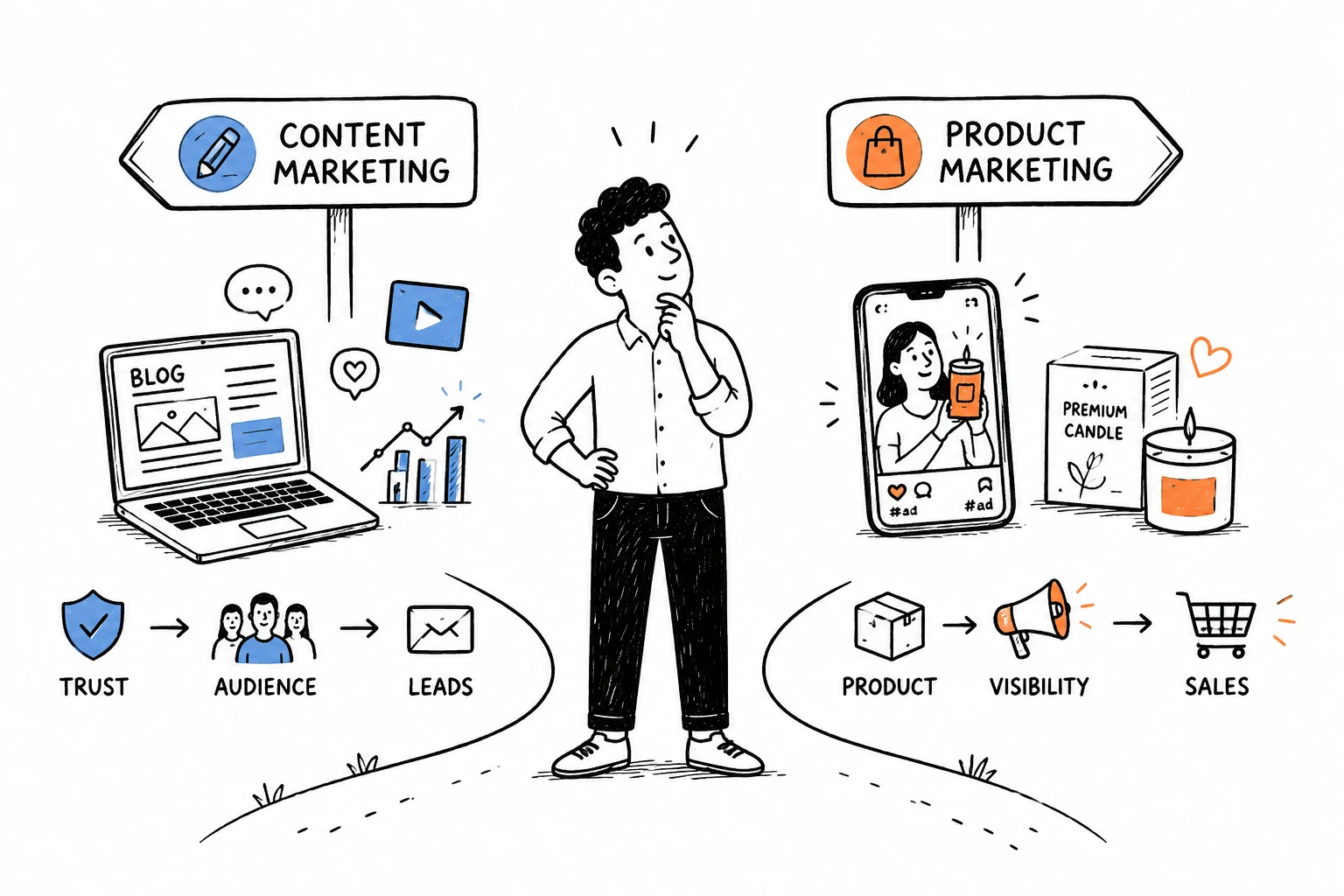
One of the more interesting uses of this was for a candle brand client whose physical product wasn't even in production yet. We used AI to create UGC style content, unboxing videos, everyday use videos, lifestyle content, to gauge whether the product concept resonated with their audience before committing to manufacturing. I've used the same approach for Llamacorp's own lifestyle focused ad content.
The hardest part: character consistency
If there's one thing that still trips up AI video generation, it's keeping a character looking the same across every scene and every second of footage. Even paid, expensive tools still produce noticeable inconsistencies in a person's face or appearance from shot to shot. My workaround has been using Google Flow's avatar feature to create a fixed avatar of myself. It's not perfect, but it's sustainable enough to use consistently across a video.
Where beginners go wrong
The most common mistake I see is people generating video from a single reference image and writing vague, undetailed prompts. That combination tends to produce stiff, shaky, obviously generic looking results. The fix is straightforward: use two or three reference images instead of one, and write much more detailed prompts describing exactly what you want the scene to look like.
If you're starting from zero
Start with Canva to learn the basics of video editing, and use Gemini's free tier to begin experimenting with generation. You do not need a paid subscription or any equipment to get a feel for this.
Where this is heading
I think AI is going to fundamentally reshape video production over the next year. Right now, the output is decent but still clearly has rough edges. I expect that gap to close fast, to the point where AI generated video becomes very difficult to distinguish from something actually shot on camera.
The bottom line
You don't need expensive gear or software to start making AI video content today. A clear concept, a few reference images, detailed prompting, and a free or low cost AI subscription is genuinely enough to produce usable content, whether that's for testing a product idea or running real client campaigns.
 Start a project